
Virtual coworking in a cozy cafe
Working alone at home gets quiet. Midnight Cafe is a place to sit with other people while you get on with your own work, with music in the background and chat when you feel like it.
Play free in your browserFree. No download. Guests welcome.
How people use it for work
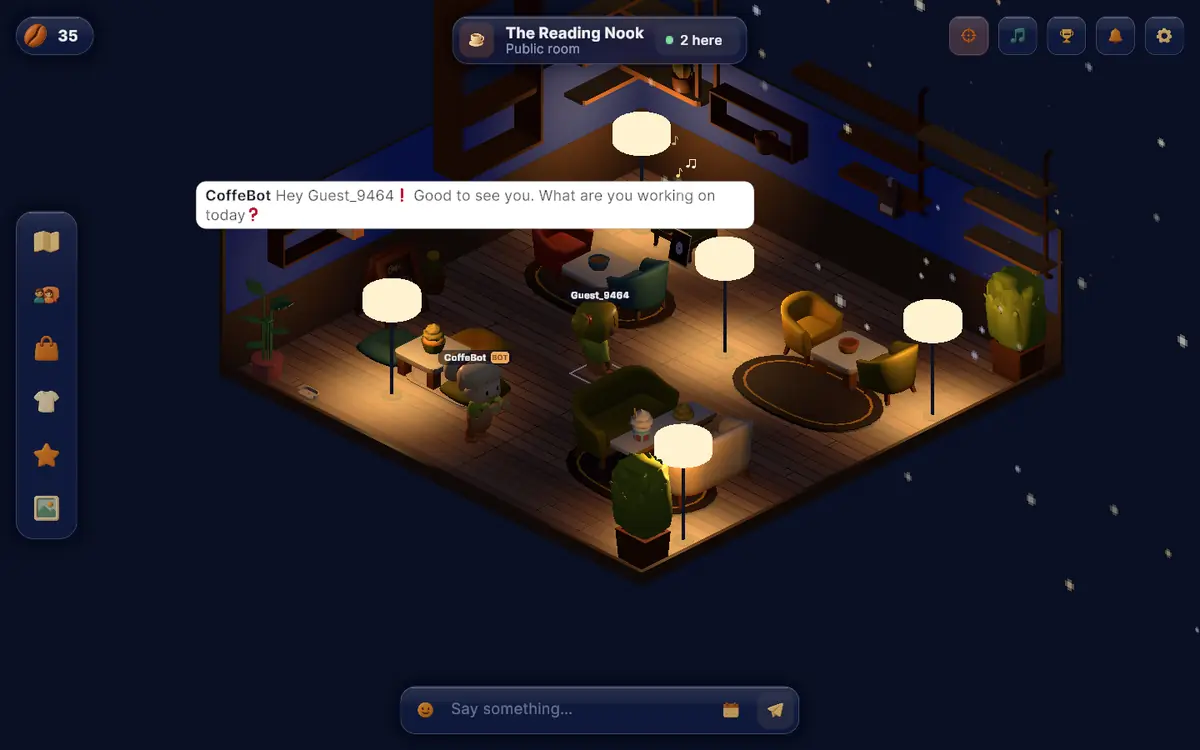
- Open it in a tab, walk into The Reading Nook or The Cozy Corner and take a seat.
- Leave it running while you work. The record player plays lo-fi or jazz for the room.
- Say hello when you arrive, say what you are working on, and go back to your task. Chat is text, so nothing interrupts you.
- Come back the next day. You get 10 beans on the first day, and a bit more for each day in a row, up to 20 beans.
The barista bot in the public rooms greets you and sometimes asks what you are working on. That is the only nudge you get. After that you are left alone.
What it is not
Midnight Cafe has no timer, no matching and no sessions. Nobody is assigned to you and nobody checks that you started. There is no video or voice either.
If you want a fixed slot with one partner on camera, a service built for that will serve you better. Body doubling online: free and paid options and virtual coworking spaces compared go through the options and what each one costs.
It is also new. Do not expect a full room every hour. The map button on the left shows who is where right now.
Your own quiet room
If the public rooms are busier than you want, build your own. Furnish it with a table, a lamp, a plant and a record player, then send friends the link. They can join as guests.
Freelancers and remote workers can put a project stand in the room with a short pitch and links, so visitors see what you do.
Questions people ask
What is body doubling?
Do I need a camera or microphone?
Is it free?
Will the room be busy?
Related
Come in and look around
No download. As a guest you can walk into a public room straight away; a free account keeps your room and beans.